 FrogBill
Messages that send themselves.
From FrogBill's WhatsApp number, with your business name in every message.
New invoiceNew quotationPayment remindersVisit reminders
WhatsApp invoicing
Your customers live on WhatsApp, so send your invoices there. They open a link, see a clean invoice, and pay by UPI. If they forget, FrogBill reminds them for you.
30 days free. No card needed.
How it works
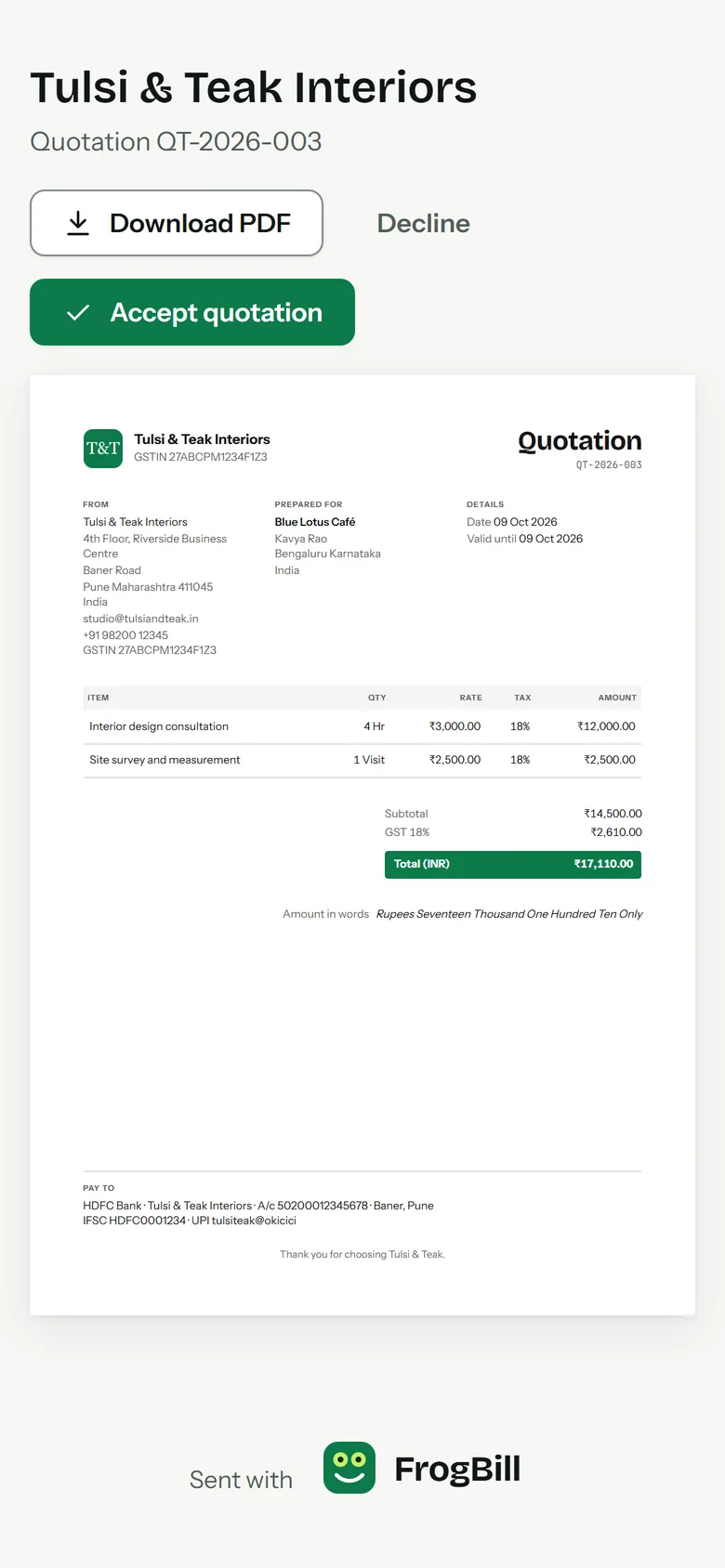
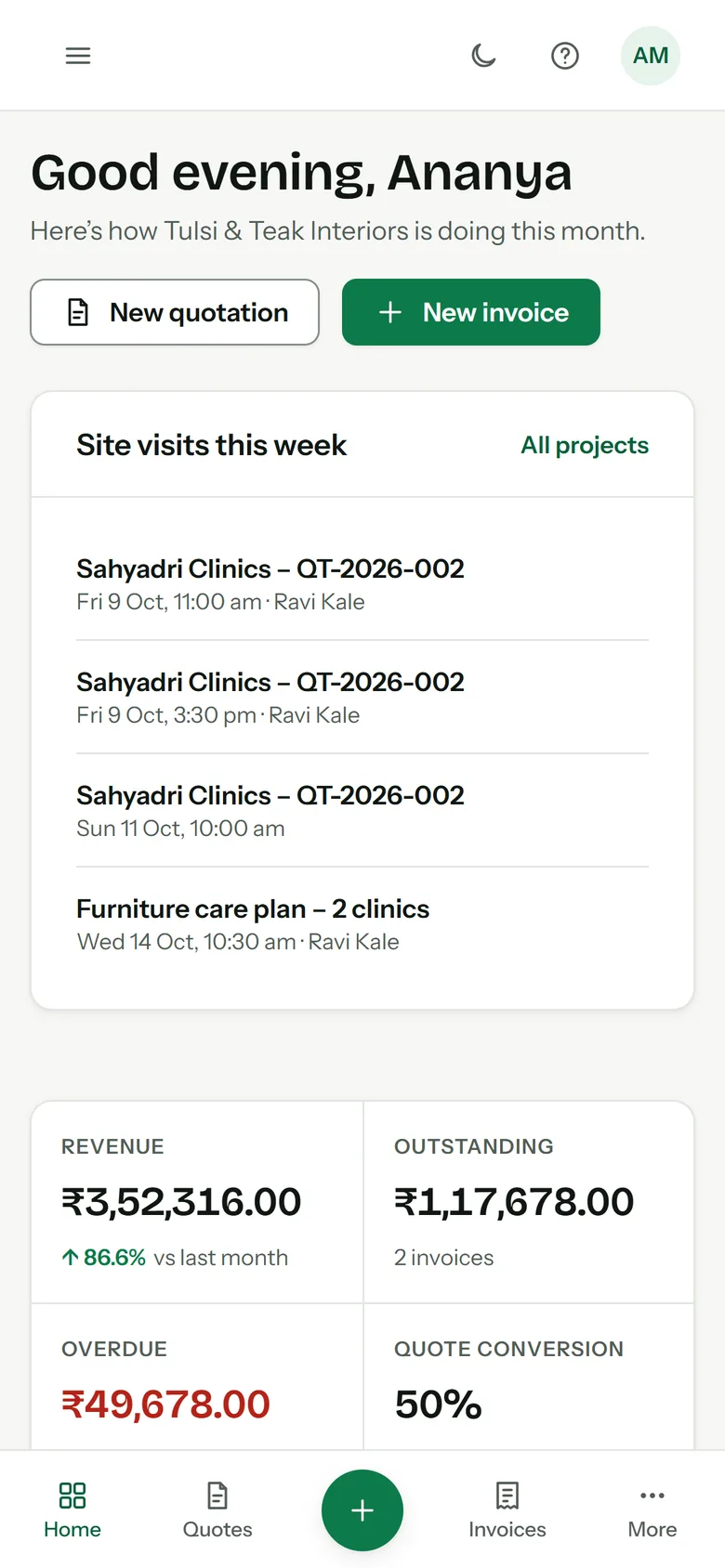
From FrogBill's WhatsApp number, with your business name in every message.
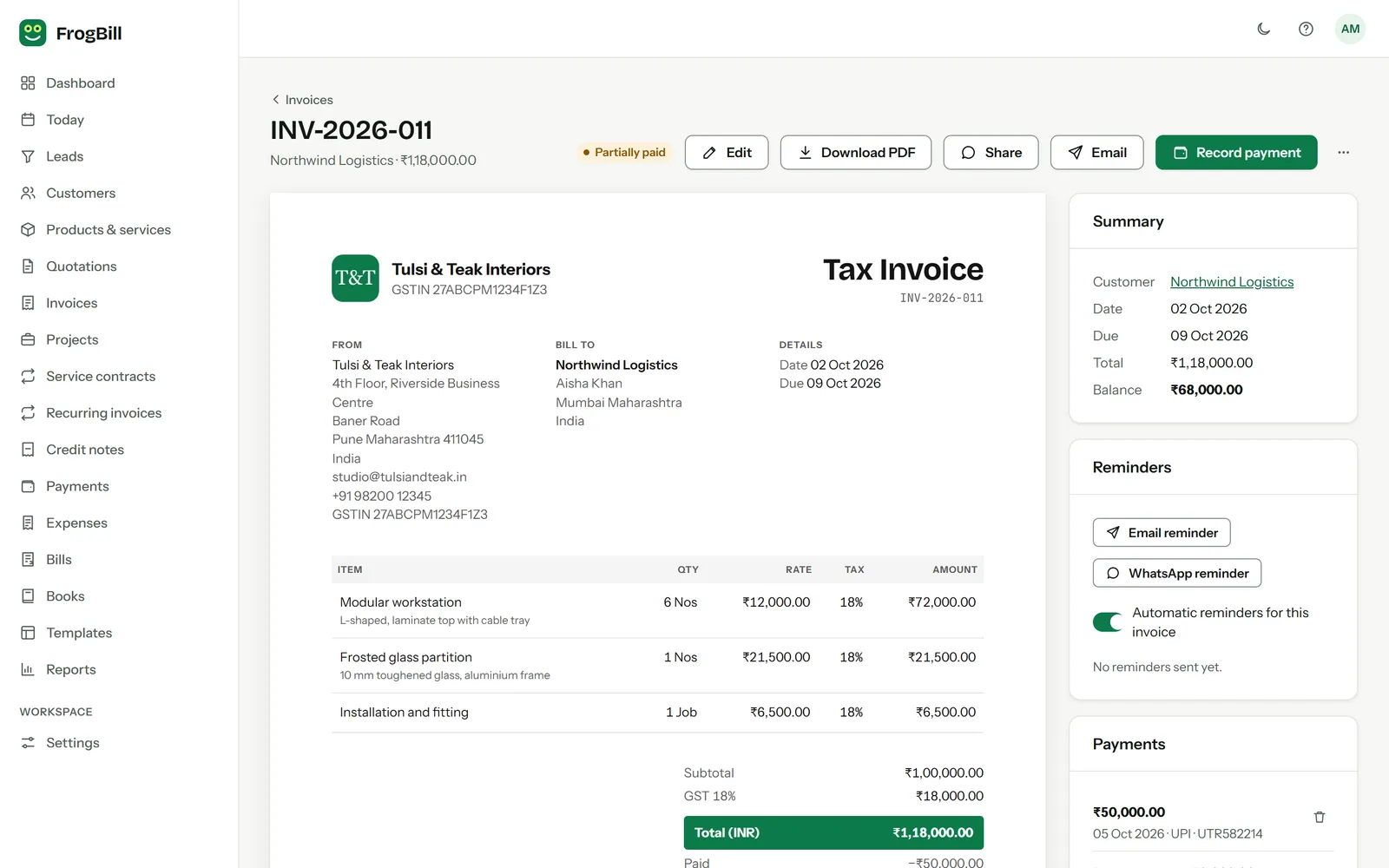
Every invoice carries your UPI QR code. The money goes straight to your bank, with nothing taken in between.
Connect your own Razorpay account and customers can pay by card or netbanking from the same link. The invoice is marked paid by itself.
Your logo, GSTIN or TRN, tax on every line and ten designs to choose from. The link opens a clean page on any phone; the PDF is one tap away.
In India and the Gulf, most small business customers read WhatsApp within minutes and open email rarely. An invoice sent on WhatsApp is seen the same day, and an invoice that's seen gets paid sooner.
Most billing apps “share on WhatsApp” by attaching a PDF. A PDF is hard to read on a phone, can't be paid from, and leaves you guessing whether it was opened. FrogBill sends a link instead: the customer sees the invoice as a page made for their phone, pays by UPI from it, and can still download the PDF for their records.
From your own WhatsApp. Tap Share, choose WhatsApp, and your phone opens a chat with the customer and a short message with the link ready to send. This works on every plan.
From FrogBill's WhatsApp number. On the Business and Professional plans, FrogBill sends the invoice for you from its own verified number, with your business name in the message and a “View and pay” button. Automatic reminders, visit alerts and renewal notices go out the same way, so they arrive even when you're busy on site. A monthly WhatsApp allowance is included in the plan.
Switch reminders on once and choose when they go out: a few days before the due date, on the due date, and 3, 7 and 14 days after it, or your own days. Each reminder says how much is due, on which invoice, and links straight to the payment page. Reminders stop as soon as the invoice is paid, and pause while you check a customer's “I've paid”. When you have the customer's email address, the reminder goes there too. Customers who'd rather not get WhatsApp messages can reply STOP. For a reminder plan and messages that keep the customer, see how to get customers to pay on time.
Quotations work the same way. Send one from the site visit; your customer opens it, accepts and signs it on their phone, and you're told straight away. One tap turns it into the invoice. See quotation software in FrogBill.
Sharing invoices from your own WhatsApp, with a UPI QR code, is in every plan, from ₹99 a month. Messages and automatic reminders from FrogBill's WhatsApp number are in Business (₹299 a month) and Professional (₹499 a month). Every plan starts with 30 days free. See all plans.
No. FrogBill sends from its own WhatsApp number, set up and approved by Meta, with your business name in every message. To send from your own number, just use the Share button and your phone's WhatsApp.
No. They tap the link and the invoice opens in their phone's browser, where they can pay by UPI or download the PDF.
Yes, on the Business and Professional plans. Choose the days once and FrogBill reminds the customer from its WhatsApp number until the invoice is paid.
No. Customers pay straight to your UPI ID, so FrogBill takes nothing. Card and netbanking payments through your own Razorpay account carry Razorpay's fees.
Yes. WhatsApp sharing works with international numbers, and invoices can show your TRN and VAT, in English or English and Arabic. UPI is for India; in the Gulf, customers pay by bank transfer or through your Razorpay.
With your UPI QR on it, and reminders that go out for you. 30 days free, no card needed.